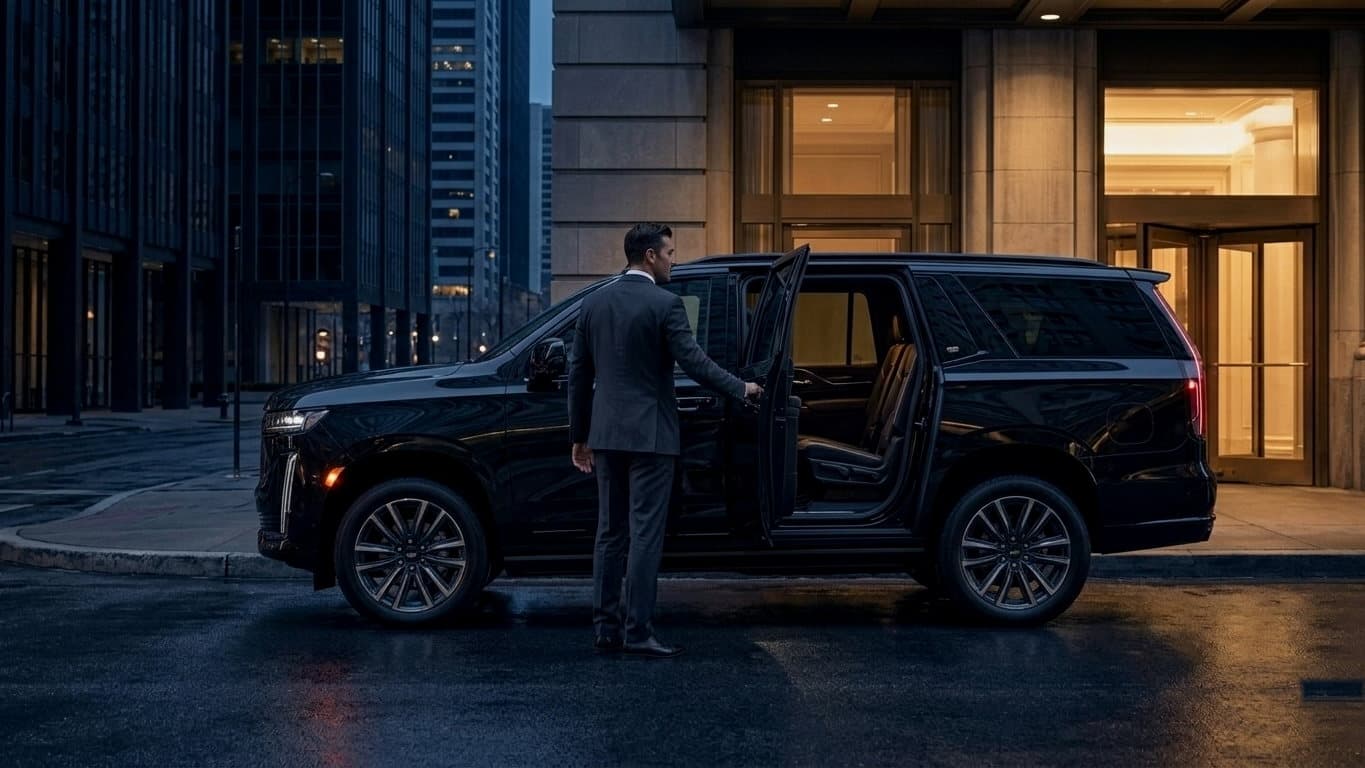
A real market for rides.
Blexor gives you more than one way to book — instant rides at an upfront price, or a live marketplace where drivers compete and you choose. No surge math either way. Here's how each option works.
Watch a ride from both sides.
The rider app on the left, the driver app on the right — booking, pickup PIN, payment and tips, then scheduled trips and bidding.
Six ways to get a ride.
Same flat 15% fee, same black-car standard, same no-surge promise — you just choose how you want to book.
Book Now
Instant pickup at a price you see before you confirm. Blexor matches you with the nearest available black-car driver — no waiting on bids.
Bid
Post your trip and let nearby drivers compete. Every bid shows the driver’s price, rating, vehicle, and ETA. You pick the one that fits.
Quote
Choose a vehicle class and get a custom quote for the trip — useful for SUVs, larger groups, and special requests.
Schedule
Set a pickup time in advance. A driver is arranged ahead of your trip, so airport runs and early mornings are covered.
By the hour
Book a car and driver for 2 to 10 hours — as directed, or to a set destination. Drivers bid on the block and you pick the offer you want.
Book for days
Your own chauffeur for 1 to 7 days, up to 12 hours a day. Drivers send one total price for all the days — no meter, no mileage charges.
Instant rides, step by step.
- 1
Set pickup, drop-off, and vehicle
Open the app, enter your trip, and choose a vehicle class. You see the upfront price right away — before you commit.
- 2
We find your driver
Blexor alerts nearby available drivers and matches you with the first to accept. No waiting around for bids to roll in.
- 3
Confirm with a PIN and ride
Track your driver in, confirm them with a 4-digit pickup PIN, and go. Tip after if you’d like — 100% goes to the driver.
A driver for the afternoon, or the whole trip.
Meetings across town, a night out, a wedding, a visiting client — book a black car by the hour or by the day. In the app, pick Schedule, set your pickup time, and choose By the hour or Book for days at the bottom of the list.
By the hour
- ▸2 to 10 hours, booked at least 30 minutes ahead
- ▸Go as directed, or name a destination
- ▸Tell us the miles you expect — you see a suggested price for the hours and miles
- ▸Drivers bid; you choose. The total includes the flat 15% fee
- ▸Running long? Extra time or extra miles are charged at your driver’s own hourly rate — whichever is more, never both
Book for days
- ▸1 to 7 days in a row
- ▸Each day starts at your pickup time, up to 12 hours a day
- ▸Add your plans for the days so drivers can price them
- ▸Drivers send one total price for all the days
- ▸No meter, no extra time or mileage charges
Once you've accepted a driver, canceling a by-the-hour or multi-day booking is free until 24 hours before pickup, 50% within 24 hours, and the full price within 4 hours. The app shows the exact amount before you confirm.
Bidding, step by step.
- 1
You request a ride
Open the app and enter your pickup and drop-off. Pick a vehicle class — sedan, SUV, or executive. You don’t see a price yet, because the market hasn’t spoken.
- 2
Drivers within range bid
Every available driver in your area sees the trip and decides what it’s worth to them. They name a price. You see every bid as it comes in, with the driver’s rating, vehicle, and ETA.
- 3
You pick the bid that fits
Cheapest? Highest-rated? Closest? It’s your trip — pick whichever bid wins for you. Tap accept and your driver is locked in.
- 4
Pickup with a 4-digit PIN
When the driver arrives, you confirm them with a short PIN that only the two of you share. No “is this my ride?” guesswork. The trip starts.
- 5
You pay the bid plus 15%
At drop-off your card is charged the bid amount plus our flat 15% platform fee. Tip after the ride if you want — 100% goes to the driver.
Drive on your terms.
- 1
Onboard once
Pick your car from our approved vehicle list and upload its registration. Our team reviews it — along with your license and insurance if you send them — and once your registration is approved you can go online.
- 2
See ride requests in real time
When a rider needs a trip nearby, you see the pickup, drop-off, distance, and estimated drive time. Accept an instant Book Now request on the spot, or place a bid on trips that are up for bidding.
- 3
Bid what the trip is worth to you
On bid trips you name your price. Slow afternoon? Bid lower to win more rides. Stadium-out, raining, traffic? Bid what makes it worth your time. You decide — not us.
- 4
Win the trip, then drive
Whether you accepted instantly or the rider picked your bid, you get the pickup and pickup PIN. Navigate with built-in Google Maps. Complete the trip. Done.
- 5
Get paid
On a bid trip you keep your bid in full — the 15% platform fee is added on top and paid by the rider, so a $100 bid pays you $100. On a Book Now trip the 15% comes out of the upfront fare instead. Tips are 100% yours either way. Payouts hit your bank daily by default; instant payouts available for a small fee.
Blexor vs. traditional rideshare.
| Blexor | Traditional rideshare | |
|---|---|---|
| Who sets the price | The driver, in a live bid | An algorithm with surge multipliers |
| Surge pricing | None — the market is the price | Up to 5x at peak times |
| Platform fee | Flat 15% on every ride | Variable; often 30–50% of fare |
| Tip handling | 100% to driver, post-ride only | Nudged at booking, sometimes split |
| Vehicle class | Black-car only | Mixed fleet |
| Pickup verification | 4-digit PIN exchange | License-plate match by eye |
Ready to try it?
Create your account on the web in a minute — then book in the app, where the upfront prices and live bids happen.
See the full pricing breakdown →